New

Free CV builder: create or update your CV and download it as a PDF.

Import your old CV as a PDF or start from scratch: the builder fills in the sections, shows a live preview and lets you download a PDF that's ready to send. Start for free with no account; Premium unlocks AI, encrypted cloud sync, unlimited CVs and PDFs without the Stipendee logo.

... CVs downloaded
4.1 (14)

Don't have a CV yet? in about 15 minutes.

With Premium, the AI tailors your CV to every job posting.

Coming back on the same device? Pick up right where you left off. Want to continue elsewhere? Export a workspace backup or turn on cloud sync with Premium.

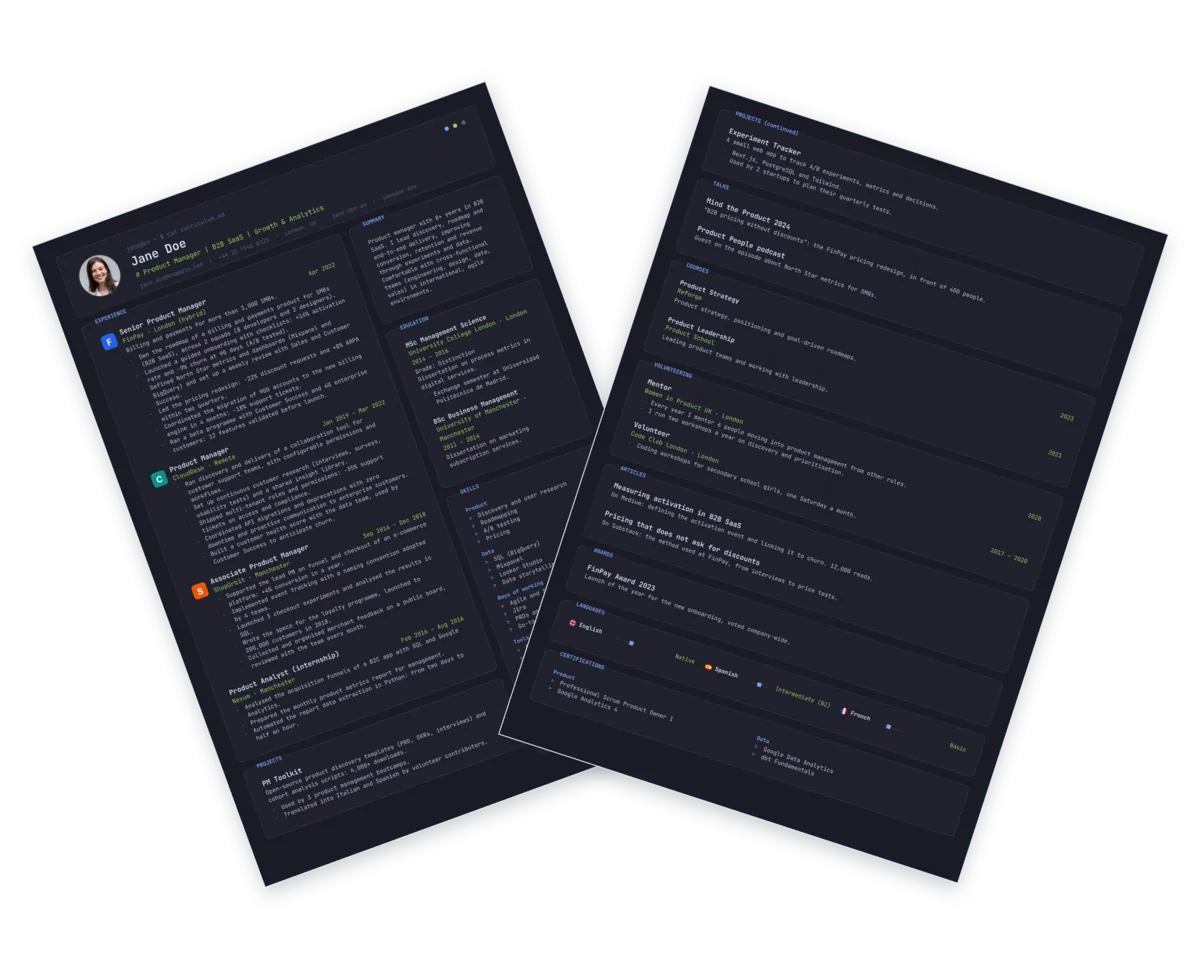
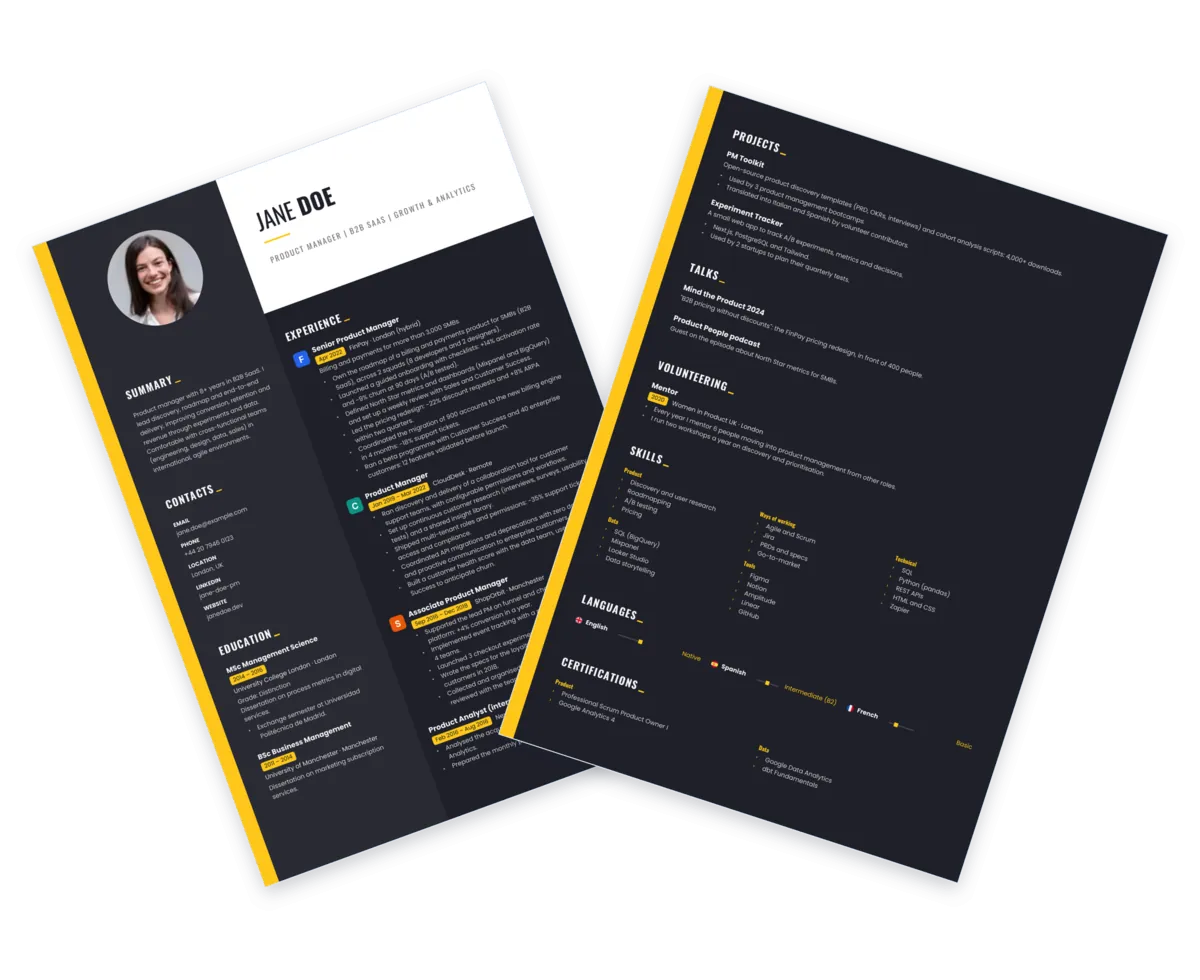
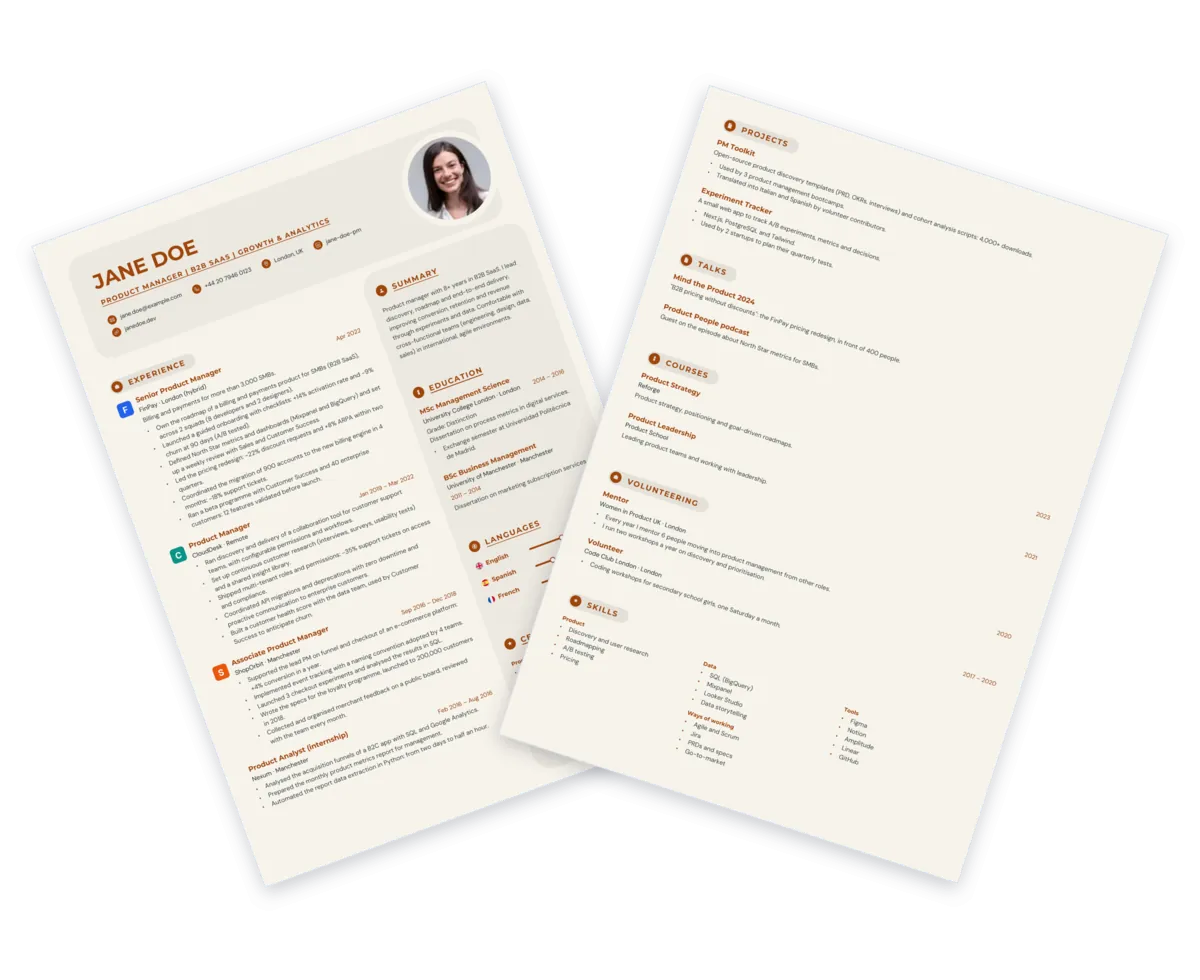
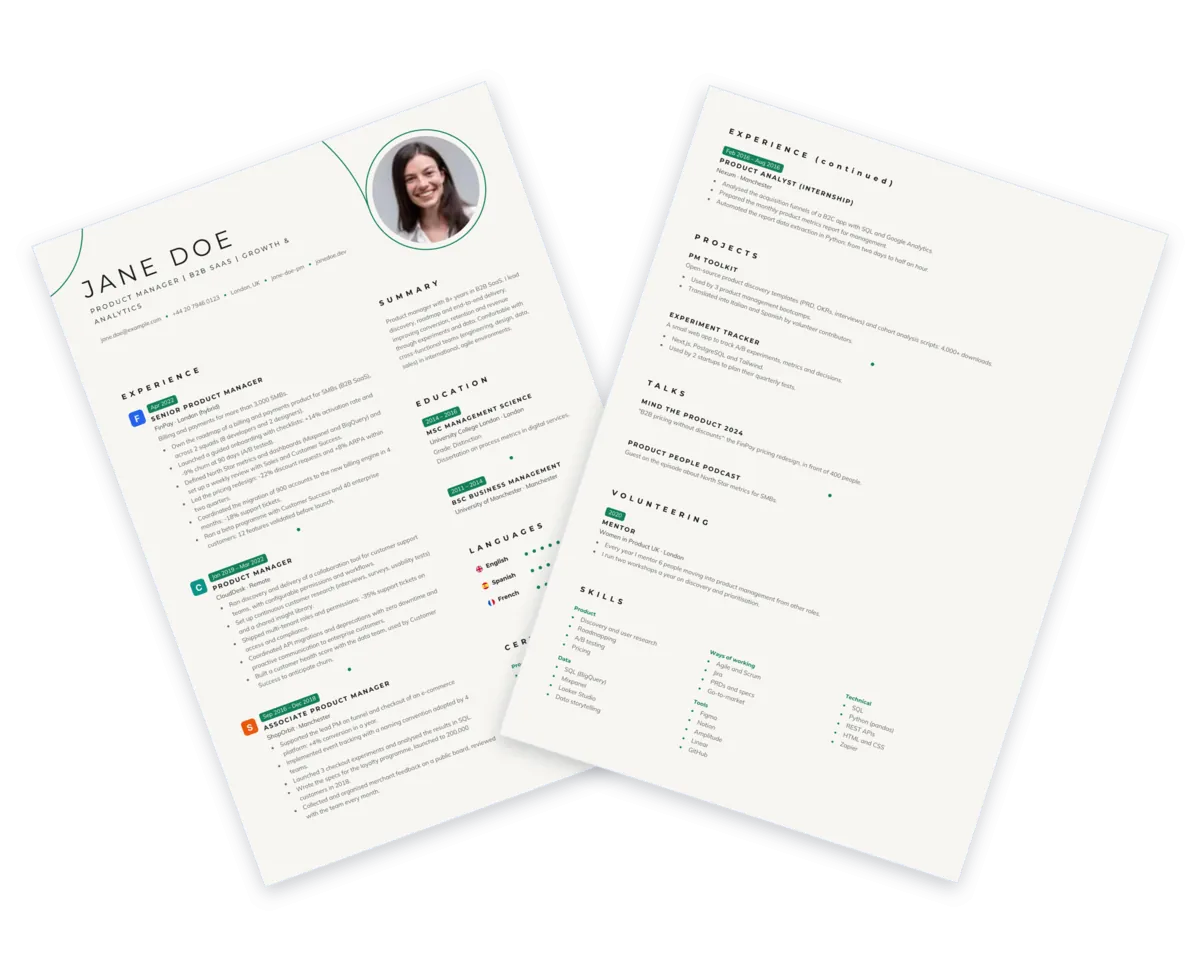
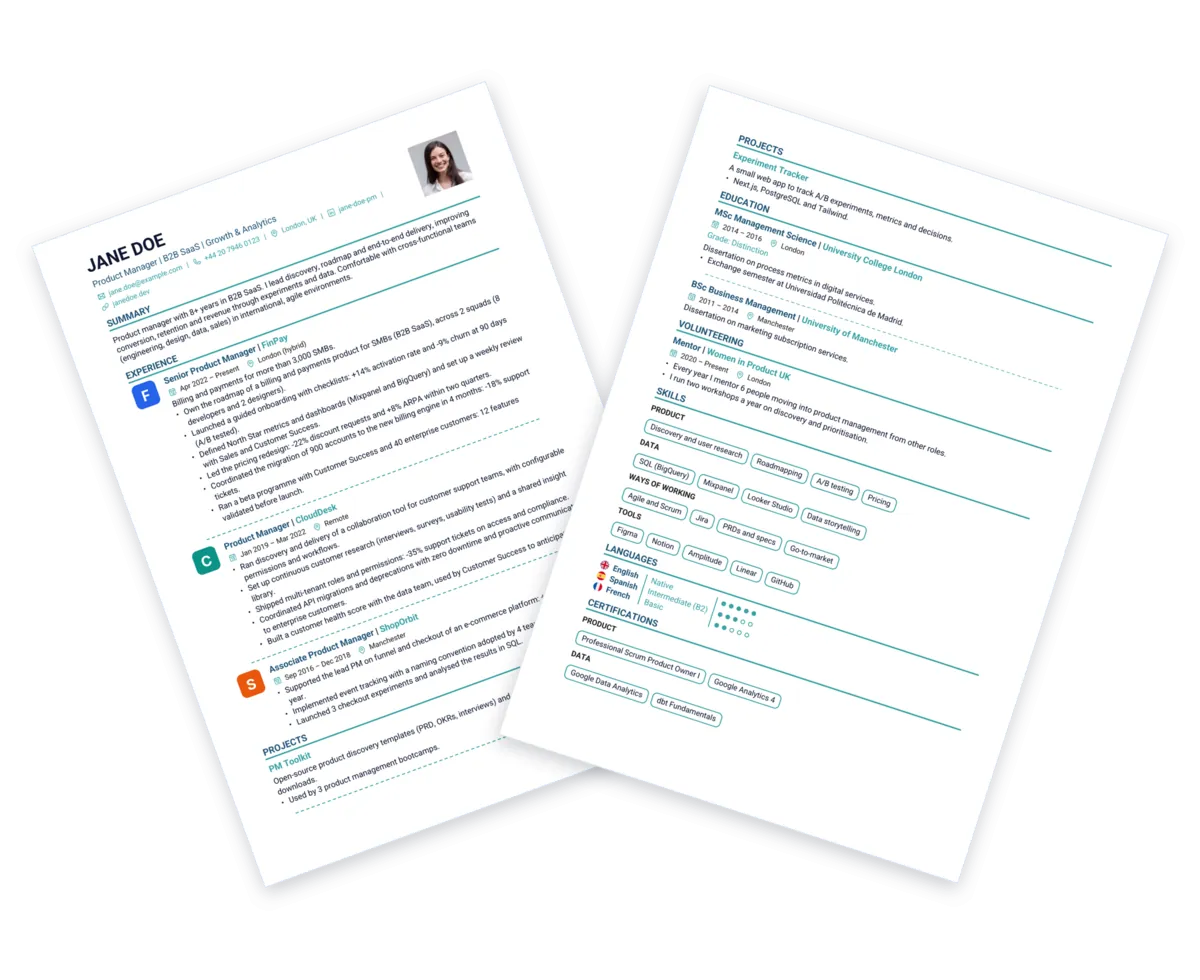
Preview of a premium CV
... CVs downloaded
4.1 (14)

Tailor your CV to every job posting

Recruiters spend just a few seconds on the first read of a CV. On top of that, many companies use ATS software, systems that help scan and filter resumes: if the posting's keywords are missing, your CV may look less relevant. With Tailored CV you adapt your resume to each job posting right inside the editor, in under 5 minutes.

Premium

Fully automatic with Stipendee AI

Paste the job description, answer a few targeted questions, and the AI rewrites your CV in the same language as the original document, using the posting's keywords where they fit. Review every change in a before/after comparison and choose what to keep.

  • Everything handled on Stipendee
  • Included with Premium
  • Before/after comparison
Free

Guided with ChatGPT & co.

We generate a ready-made prompt to paste into ChatGPT, Claude or Gemini. The AI asks you a few questions and returns a tailored CV you can import back here.

  • No cost
  • Prompt optimized by us
  • Works with any AI
Tailored CV

See how the AI analyzes the posting, asks you targeted questions and suggests changes for you to approve before updating your CV.

How the CV Builder works

Three steps to create or update a professional CV online for free, no account needed.

Fill in every section of your CV

Experience, skills, education, languages. Reorder with drag & drop and round out your CV with the sections that matter most.

Customize style and sections

Change fonts, colors and text size, reorder the sections and add images, logos or custom sections. The preview updates in real time.

Download your CV as a PDF

A PDF that's ready to send and optimized for clean, linear parsing. You can also export a workspace backup and pick up again from any device.

Inside the editor

See the editor in action: a live preview as you type, multiple CVs in a single workspace and a PDF ready to send.

Already have a CV? Import the PDF and edit it here. The builder reads your existing CV and fills in the sections automatically, so you can update your experience, change the style and download a fresh PDF without retyping everything.

A free online CV, ready for PDF and ATS

The Stipendee CV Builder is built for people who want a CV that's easy to keep up to date, readable by recruiters and ready to send to any employer.

Online CV with no sign-up

Open the builder and start right away: no account to create, no password to set, no email to confirm before downloading your CV as a PDF.

A PDF resume that's easy to update

Import an existing CV, edit text and sections, keep a master version and download a fresh, application-ready PDF every time.

Truly customizable CVs

Adjust fonts, colors, sizes and section order, and add extras like images, logos and custom sections, without sacrificing readability.

ATS-friendly format

PDFs are built with selectable text and cleanly ordered sections, so your CV stays clear for both human recruiters and ATS software.

CV Builder Premium: your CV, exactly the way you want it

For people who apply often and want a CV that stands out: full customization, unlimited versions and AI that works for you. From €2.99 a month, cancel anytime.

  • Full customization: every font, custom sections, company logos and images in your CV
  • PDFs without the Stipendee logo and unlimited downloads, ready for every application
  • Unlimited CVs: a different version for every job posting, all in one place
  • Tailored CV with AI: rewrites your resume for every job you apply to
  • CV translation: a version in another language when you apply abroad
  • Encrypted cloud sync: find your CVs on your computer, phone and tablet
Monthly €2.99/month For a short job hunt
Quarterly €7.99/3 months Save vs the monthly plan

Auto-renews; cancel anytime in two clicks from the customer portal. Everything you create stays yours even if you stop paying.

See every Premium feature in detail →

Free vs Premium

The free plan stays free forever. Premium removes every limit when your job search gets serious.

Feature Free Premium
Saved CVsUp to 3Unlimited
PDF downloads3 per monthUnlimited
Stipendee logo on the PDFYesRemovable
Fonts and sizesBasicAll
Custom sections and logosIncluded
Tailored CV with AIPrompt for ChatGPTBuilt-in AI
AI CV translationIncluded
Coach suggestionsFirst 3Unlimited
AI feedback on your CVComing soon
CVs across devicesManual backupAutomatic sync

Local by default. Encrypted cloud only if you turn it on.

You can use the builder without an account: your CV stays in the browser and the PDF is generated on your device. If you go Premium, you can opt in to encrypted cloud sync and find your CVs on every device.

100% local editor

The editor runs in your browser and the PDF is generated on your device. Text and saves stay local unless you choose to use PDF import, AI features or Premium cloud sync.

Portable backup or cloud sync

For free, export a ZIP backup with all your CVs and import it wherever you like. With Premium, turn on encrypted cloud sync and find your workspace on multiple devices.

Privacy-respecting AI

When you use the AI we send only the sections needed to complete the action. For Tailored CV we never send your name, email, phone number or address.

How to write an effective CV in 2026: a practical guide

From section structure to the right PDF format, from writing your experience to passing ATS filters: everything you need for a CV that gets results.

How to tailor your CV to every job posting

An effective CV is never generic. For each application, tweak the opening lines to reflect 2-3 key requirements from the posting. You don't need to rewrite everything: reorder your experience and mirror the wording of the ad. You can do it automatically with Tailored CV right inside the editor.

What to write in the work experience section (with examples)

Recruiters look for evidence, not generic descriptions. For each role, state what you did, on what, and with what result. Skip vague phrases like "Responsible for client management" in favor of concrete outcomes, e.g. "Managed a B2B client portfolio, improving renewal rates over the year". Use 3-5 bullet points per role, starting with the most important.

How to format your CV: dates, sections and headings

Pick one date format and stick to it, e.g. "Jan 2022 - Mar 2024" or "01/2022 - 03/2024". The same goes for section names: keep headings consistent throughout the document. With our builder you can customize section titles and keep them uniform.

What an ATS-friendly CV is and how to make yours compatible

Many companies run CVs through ATS software before a human ever reads them. For an ATS-friendly CV, use standard section headings, include the posting's keywords in your text and avoid complex layouts that scatter important information. The PDFs generated by our builder are optimized for clean parsing by both recruiters and automated systems.

How to save your CV and keep it up to date

Create a master version of your CV with all your experience, then customize it for each application. With our builder you can export a workspace backup and import it whenever you need. You never start from scratch, and everything stays current. Keep multiple CVs in the same workspace and switch between them at will.

How to use AI to optimize your CV

With the Tailored CV feature you can adapt your resume right inside the editor. With Premium the AI does everything automatically; on the free plan we guide you through using ChatGPT, Claude or Gemini. Either way, always review the result: AI improves the style, but it doesn't know your career better than you do.

What to include on your CV and what to leave out (personal data and privacy)

Include only what's necessary: city, professional email, phone number and LinkedIn. Leave out your full home address, marital status, date of birth or other personal details unless explicitly required: conventions vary by country, so check what's expected where you're applying. The builder works locally, giving you more control over your data.

How many pages should a CV be?

The rule of thumb is simple: one page if you have limited experience, two pages for senior profiles or more varied career paths. Either way, avoid cramming content. The builder's real-time preview shows you exactly how the final PDF will look.

Chronological, functional or hybrid CV: which one to choose?

The reverse-chronological CV remains the international standard: it starts with your most recent experience and is the easiest for recruiters and ATS to read. A functional CV can help with some career changes, while a hybrid combines skills and chronology. When in doubt, go with the reverse-chronological format the builder uses by default.

Frequently asked questions about creating a CV online

Quick answers to the most common questions about creating, filling in and editing a CV online for free.

How do I create a CV online for free?

With the Stipendee CV Builder you can create your CV for free in three steps: fill in the sections, pick a style and customize the layout, then download the PDF. No sign-up or account needed. If you import an existing CV you can update it in a few minutes; starting from scratch takes about 15 minutes.

Can I create a CV without signing up?

Yes. The Stipendee CV Builder works without registration and without an account. You can create, edit and download your CV as a PDF straight from your browser, with no email or password required.

How do I import an existing PDF resume into the builder?

Click Import your old CV as PDF on the main page. The builder uses AI to read your CV and fill in the sections automatically; then you can edit everything in the editor and download the new PDF.

Are CVs created with Stipendee ATS-friendly?

Yes. The PDFs generated by the builder are optimized for clean, linear parsing by ATS software. The text stays selectable and the section structure follows standard conventions.

How many pages should a CV be?

As a rule of thumb, one page works well for early-career candidates, while two pages are fine for senior profiles. The builder's preview helps you balance space and content with no surprises in the final PDF.

Should I include a photo on my CV?

It depends on where you're applying. In the US, UK and Canada photos are usually discouraged, while in several European countries they're common. If you do add one, use a professional-looking image; if you'd rather skip it, the builder fully supports photo-free layouts.

Can I save my CV and edit it later?

Yes. For free, you can export a ZIP backup with all your CVs and import it whenever you like. With Premium you can turn on encrypted cloud sync and automatically find your CVs across multiple devices.

What is the Tailored CV feature?

Tailored CV adapts your resume to a specific job posting. With Premium, the AI rewrites your CV right inside the editor; on the free plan you get a ready-made prompt to use with ChatGPT, Claude or Gemini.

What is the best format for a CV?

The reverse-chronological format is the international standard: it starts with your most recent experience and is the easiest for recruiters and ATS software to read. The builder uses this format by default.

How do I write the professional summary on a CV?

The professional summary is a short paragraph (3-5 lines) that opens your CV and sums up who you are, what you do best and what you're looking for. Keep it in the present tense and include 2-3 keywords from your industry. Avoid generic lines like "motivated team player with great communication skills": say what sets you apart in concrete terms. With our builder you can add the summary in the intro section and adapt it for every application with Tailored CV.

Is my data safe?

Yes. The editor runs in your browser, and text, saving and PDF generation happen on your device. When you use PDF import or AI features, only the content needed to complete the requested action is sent. With Premium you can opt in to encrypted cloud sync.

How much does CV Builder Premium cost?

The CV Builder is free to create and download your CV. Premium costs €2.99 per month, €7.99 every 3 months or €24.99 per year and unlocks full customization with fonts, custom sections and logos, unlimited CVs, PDFs without the Stipendee logo, AI to tailor and translate your CV, and encrypted cloud sync. See everything Premium includes.

Can I cancel my Premium subscription anytime?

Yes. You manage your subscription yourself through the Stripe customer portal, available from the editor: you can cancel at any time and Premium stays active until the end of the period you already paid for. The CVs you created remain yours after cancelling: you can keep editing and downloading them with the free features.

Ready to start? Create your CV online for free and download it as a PDF.

No account. No email. Straight to the point.